Run Claude Code inside Lambda MicroVM
- Priyankar Prasad
- July 19, 2026
- 9 mins
- AI Infrastructure
- ai agents aws claude code firecracker lambda microvms sandboxing
Why sandbox the agent
A coding agent is only useful because it has a real shell and a real filesystem. That is also exactly what makes it nerve-wracking: point Claude Code at a task and it can run any command, touch any file, and reach the internet — all with your credentials, on your machine. The blast radius is your laptop.
The usual answer is a container — run the agent inside a sandbox on your own machine, boxed in but still able to reach the repos you mount into it. That helps, but a container shares your host’s kernel and still lives on your laptop. I wanted to push the box further away — off my machine entirely — and I wanted stronger isolation than a shared kernel.
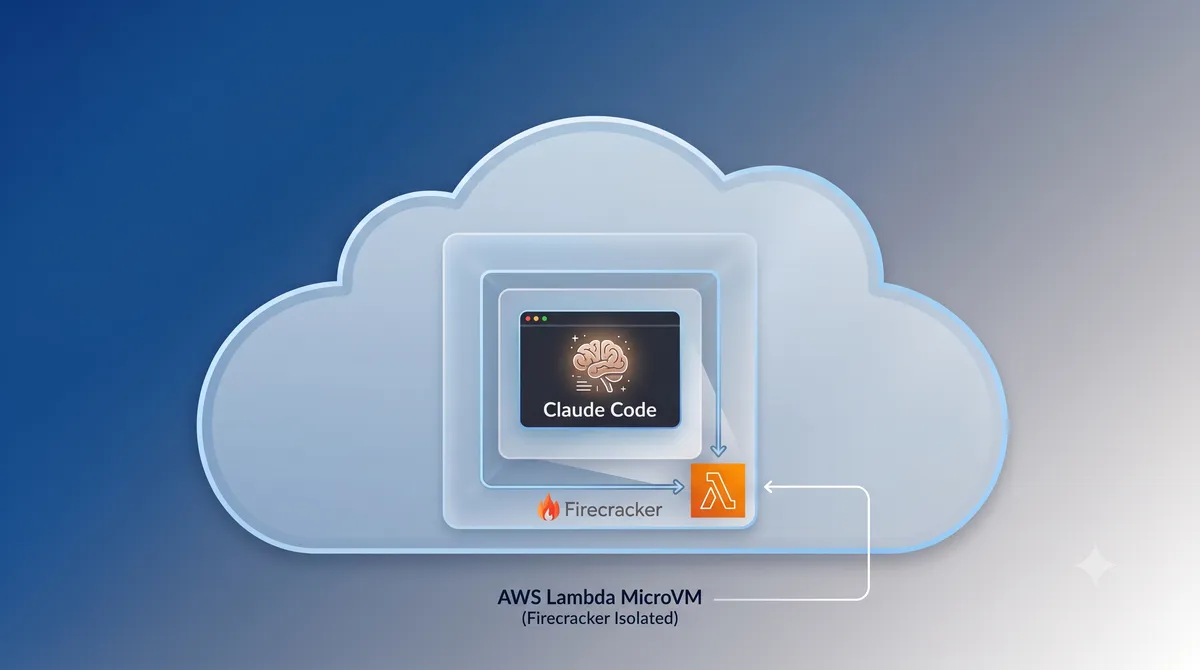
So I put the agent in an AWS Lambda MicroVM: a Firecracker-backed micro-VM with true VM-level isolation, up to 8 h of runtime, up to 16 vCPU / 32 GB RAM / 32 GB disk, and snapshot-based suspend/resume. The prerequisites (Node 22, Claude Code, pnpm, gh, gitleaks) are baked into the image at build time, so a launch restores a warm VM rather than cold-booting and installing. The payoff you are building toward: type ./claude.sh on your laptop and land directly inside claude running in a disposable Firecracker VM in AWS, with the whole blast radius sitting in someone else’s data center.
⚠️ Region gotcha. Lambda MicroVMs only exist in
us-east-1,us-east-2,us-west-2,ap-northeast-1, andeu-west-1. I built and validated this inus-east-1. You also need AWS CLI ≥ 2.35.20 (earlier versions have noaws lambda-microvmsat all — check withaws lambda-microvms help).
The shape of it
The whole thing is deliberately split into two planes, because they have very different lifecycles — and because you have no choice about one of them.
| Plane | What | Managed by | Lifecycle |
|---|---|---|---|
| Standing infra | S3 build bucket, build IAM role, exec IAM role | Terraform (terraform/) | terraform apply / destroy |
| Ephemeral compute | MicroVM image (snapshot), running MicroVM | AWS CLI (*.sh) | build.sh / run.sh / stop.sh |
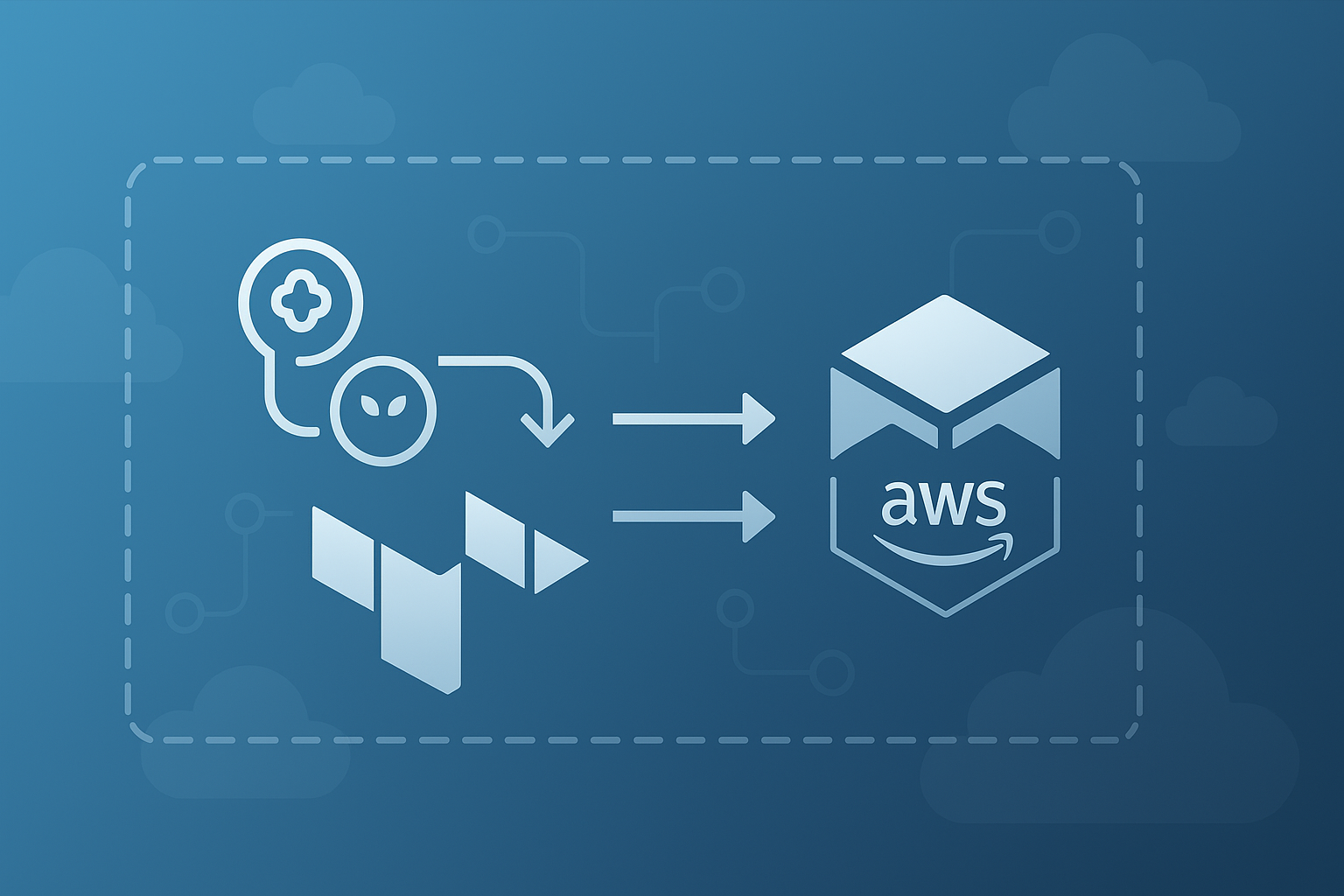
The durable resources — a private bucket to stage the build artifact and two IAM roles (one assumed during the image build, one assumed by the running VM) — are proper infrastructure-as-code. The image and the instance are not, and that is not a stylistic choice: as of mid-2026 there is no Terraform provider for lambda-microvms. The image build and the VM launch happen imperatively through the CLI, wrapped in a handful of shell scripts, while everything they depend on stays in Terraform. Everything created is tagged project=claude-microvm, so cleanup and auditing are a tag query away.
Build it in five commands
There is a one-time setup — stand up the infra and point the scripts at your account — and then a five-command daily loop. Keep those separate in your head; the setup is not part of the everyday flow.
# One-time: infra + env
cp terraform/backend.hcl.example terraform/backend.hcl   # then edit it
terraform -chdir=terraform init -backend-config=backend.hcl
terraform -chdir=terraform apply     # S3 build bucket + build & exec IAM roles
cp env.example .env                  # set AWS_PROFILE / AWS_REGION; scripts derive the rest
source .env
With that in place, the day-to-day loop is genuinely five commands — build → run → connect → stop → tear down:
./build.sh          # 1. build the Dockerfile in AWS → Firecracker snapshot → CREATED
./run.sh            # 2. restore the snapshot → RUNNING VM with a TLS endpoint + shell ingress
./claude.sh         # 3. drop straight into `claude` in the VM   (--resume to continue a session)
./stop.sh           # 4. terminate the VM (stops compute billing)
./deprovision.sh    # 5. full teardown: VM + image, then `terraform destroy`
build.sh zips exactly two files — the Dockerfile and ready.js — uploads the zip to s3://<bucket>/microvm-artifacts/claude-microvm.zip, then calls create-microvm-image. That command runs your Dockerfile inside AWS on Graviton (arm64), boots the resulting container, probes a readiness hook, and captures a Firecracker memory + disk snapshot. It then polls get-microvm-image (by ARN) until state=CREATED.
💡 A single
create-microvm-imageproduces one snapshot per Graviton generation in the fleet (you’ll see gen3 and gen4 build records). A Firecracker snapshot pins CPU state and feature flags, so restoring on a different CPU generation could break — AWS pre-bakes a compatible snapshot for each.
run.sh calls run-microvm to restore a snapshot into a live VM. It sets an idle policy — auto-suspend after 15 min idle, auto-terminate after 1 h suspended, and an 8 h hard cap — and attaches the ingress connectors (more on those below). It returns a microvmId, a state that moves PENDING → RUNNING, and a dedicated endpoint hostname, which it stashes in .last-run.json.
claude.sh connects and immediately runs exec claude, so you land in the Claude Code TUI; ./shell.sh gives you a plain bash shell instead. stop.sh terminates the VM and stops compute billing; deprovision.sh goes all the way, deleting the VM and image and then running terraform destroy.
How “chat” actually works
Here is the part that surprised me. There is no SSH and no docker exec into a MicroVM — the interactive shell is tunnelled over a WebSocket through AWS’s own ingress. claude.sh and shell.sh do this in three steps:
- Mint a short-lived token.
aws lambda-microvms create-microvm-shell-auth-tokenreturns a JWE to pass as the headerX-aws-proxy-auth. It’s IAM-gated and lives for at most 60 minutes. - Open the socket. Connect to
wss://<endpoint>/shellwith that header. The server sends exactly one text control frame —{"type":"session_init","session_id":"…"}— and then it’s a raw-PTY passthrough: the bytes you send are the shell’s stdin, and the server streams back binary frames of raw terminal output. (It is not a JSON stdin protocol; send JSON and it gets typed literally into the shell.) - Bridge the terminal.
shell-client.mjsdoes the plumbing with zero npm dependencies — Node’s built-inWebSocketaccepts aheadersoption (browsers don’t), so there’s nowebsocatorwscatto install. It puts your terminal in raw mode, forwards keystrokes, writes received frames straight to stdout, sizes the remote PTY to your window, gates input untilsession_initlands, and can auto-run a startup command (that’s howclaude.shgets you straight into Claude).Ctrl-]detaches.
War stories
Getting from “should work” to “works” is where the interesting stuff lives. Almost everything below was reverse-engineered by hitting a wall, reading the error, and testing a hypothesis. These are the five that cost me the most time:
| Symptom | Root cause & fix |
|---|---|
CREATE_FAILED after a perfectly clean build | The readiness hook probes POST /aws/lambda-microvms/runtime/v1/ready (not /ready). My early ready.js answered an allow-list of paths and 404’d the real probe — “Ready hook check failed: HTTP 4xx”. Fix: return 200 for every path. |
claude: command not found in the shell | The shell ingress spawns a bare default PATH with no profile and no inherited ENV. A pnpm-global install lands in ~/.local/share/pnpm/bin, off that PATH. Fix: install Claude Code with npm install -g, which puts the bin in /usr/local/bin. |
create-microvm-shell-auth-token errored outright | SHELL_INGRESS is not auto-attached. The interactive shell needs it, and it has to be added at run-microvm time. |
First create-microvm-image rejected | The --hooks / --idle-policy JSON was silently truncated: bash’s `${VAR:=…}` default-assign idiom cuts the value at the first }. Fix: assign the JSON outside that idiom. |
Poll printed state=?, then ConflictException on rebuild | Two things: get/delete-microvm-image need the ARN, not the name; and delete-microvm-image is async — you must wait until the image is actually gone before re-creating it. |
Security model
The scariest-looking property turns out to be the safe one: the VM’s endpoint hostname resolves on the public internet (to AWS IPs). But it is public name, private access — access is fully gated:
| Request | Result |
|---|---|
GET / with no token | 403 |
GET /shell with no token | 403 |
| Any bogus or expired token | 403 |
A token comes only from aws lambda-microvms create-microvm-shell-auth-token, an API call that requires IAM credentials in the account (<ACCOUNT_ID>) with permission for that action. The token is a short-lived JWE that can’t be forged, and the endpoint URL by itself grants nothing. So “who can log in” reduces to “who has sufficient IAM in this AWS account” — if that’s only you, then only you. Inside the VM you are root, with outbound internet (INTERNET_EGRESS) so claude can reach api.anthropic.com out of the box.
To tighten it further: don’t hand out broad admin credentials — mint a dedicated least-privilege identity whose only power is CreateMicrovmShellAuthToken (optionally conditioned to a specific MicroVM ARN), keep token TTLs short, and drop INTERNET_EGRESS for any VM that doesn’t need it (Claude does).
Cost & when to reach for it
Compute is billed per-second, and only while the VM is RUNNING. A suspended VM incurs no compute charge — you pay only for snapshot storage (plus data transfer). Combined with auto-suspend after 15 minutes idle and auto-resume on reconnect, an idle agent quietly stops costing you money without you doing anything, and the 8 h cap is a hard backstop.
The one real ergonomic difference falls out of where the VM lives. A container on your Mac can bind-mount your repos, so the agent edits your actual files. A MicroVM runs in AWS — there’s no host filesystem to bind-mount — so the VM starts empty of code and you git clone into it at runtime over HTTPS with a token. There’s no live two-way sync; work in the VM lives on the VM’s disk (through suspend/resume, up to 8 h) and you push it to GitHub to keep it.
So reach for a MicroVM when you want the agent’s blast radius entirely off your machine, when you want long-running or several parallel agent sessions without tying up your laptop, or when you just want a clean, disposable environment you can throw away when you’re done. Reach for a local container instead when you want the agent working directly on the repos already checked out on your machine.
Verdict after a few hours
A few hours in, it’s a genuinely fun setup to spin up — and an easy one to try for yourself. A few rough edges are worth knowing going in, none of them blockers:
- You bring your own code — the VM starts empty (no laptop bind-mount like a local Docker setup), so you
git cloneat runtime, or bake repos into the image for a faster start (frozen at build time). - A little input latency — the shell is a WebSocket-tunnelled PTY, and I ran it in
us-east-1; picking a region closer to you (sayeu-west-1if you’re in Europe) should cut most of it. - A quick one-time auth step — there’s no host credential forwarding, so you run Claude
/loginand set up git (a PAT) inside the box. - Sessions cap at 8 h — suspend/resume preserves state within that window, then you relaunch.
If you’ve been curious about giving your agent a disposable, VM-isolated home, it’s well worth an afternoon.
Wrap-up
The full scripts, Dockerfile, Terraform and the WebSocket shell bridge are public at github.com/prprasad2020/claude-microvm — clone it and you should be connected to Claude in a MicroVM in a few minutes. Fair warning: much of the behavior here (the shell protocol, the ingress and hook requirements) was reverse-engineered by testing, so treat it as a working integration rather than gospel about the service.